Why the Google Play Store Blocks Your App: Common Reasons & How to Avoid Rejection
Introduction:
Publishing an application on the Google Play Store is often the final milestone in the app development journey. After months of development, testing, and design improvements, developers expect their app to go live smoothly. However, many organizations are surprised when their app is suddenly blocked, rejected, or removed during the Play Store review process.
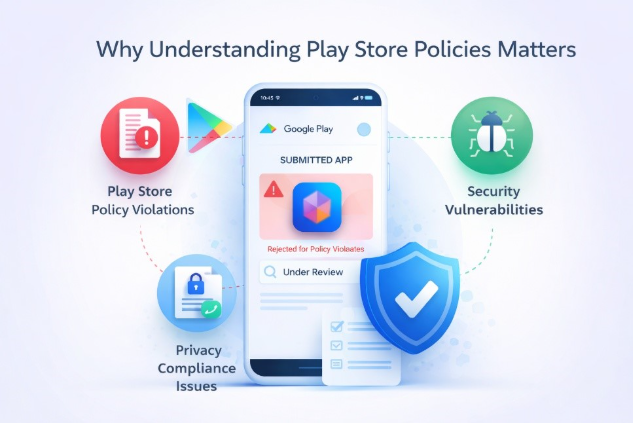
In most cases, the rejection is not because the app fails to function properly. Instead, it is usually due to Google Play policy violations, privacy compliance issues, security vulnerabilities, or improper permission usage.
Why Understanding Play Store Policies Matters:
Google enforces strict Play Store security policies and developer guidelines to protect millions of users from malware, deceptive apps, and unsafe data practices. Applications that fail to meet these requirements may be rejected during the review process or even removed after being published.
For developers and businesses, understanding why the Play Store blocks apps is critical. Addressing security, privacy, and compliance requirements early in development can reduce the risk of rejection and ensure a smoother app approval process.
Understanding the Google Play Review Process:
Before an application becomes available to millions of users worldwide, it must go through the Google Play review process.
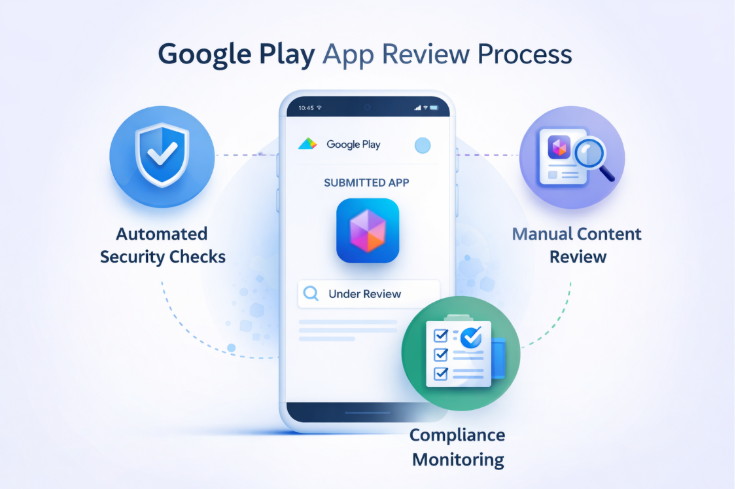
During this stage, Google evaluates the application to ensure it complies with Play Store developer policies, security requirements, and privacy standards.
The review process involves two primary stages:
Automated Security Scanning
Google uses automated systems to scan applications for potential risks such as:
These automated checks help detect threats quickly and protect users from harmful apps.
Manual Review by Google
In addition to automated scans, human reviewers analyse various aspects of the application, including:
This multi-layer review system ensures that apps published on the Play Store meet Google's security, safety, and transparency standards.
If policy violations or security concerns are detected during this process, the app may be rejected, blocked, or flagged for further review.
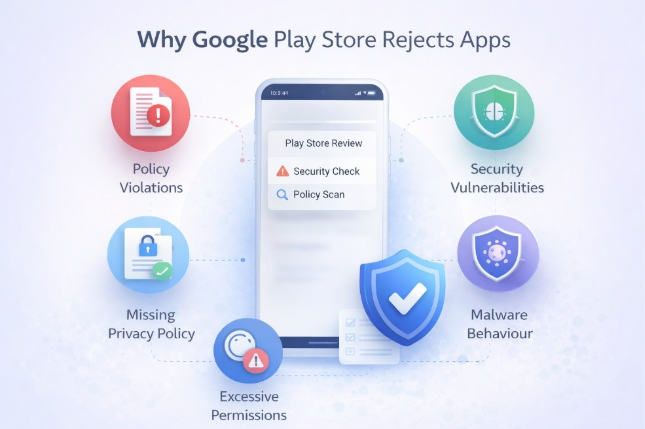
Common Reasons the Play Store Blocks Apps:
1. Violation of Google Play Policies
One of the most common reasons apps are rejected is non-compliance with Google Play developer policies.
Google has strict guidelines regarding the types of content, services, and behaviours allowed on the platform.
Common policy violations include:
Even small policy violations can result in app rejection if they conflict with the official Play Store publishing guidelines.
Developers should always review the latest Google Play developer policies before applying.
2. Missing or Incomplete Privacy Policy
User data protection has become a major priority for digital platforms.
Google requires all apps that collect or process user data to provide a clear and accessible privacy policy explaining how data is collected, used, and protected.
An app may be rejected if:
For example, if an app collects location data, contact information, or device identifiers without clearly explaining how the information is used, the Play Store review team may block the application.
Transparency around user privacy and data protection is now essential for app approval.
3. Requesting Unnecessary or Misleading Permissions
Another major reason apps are rejected is excessive permission requests.
Android applications often request permissions to access device features such as:
However, when permissions appear unrelated to the app’s functionality, they raise security concerns.
For example:
Such permission requests may be interpreted as potential privacy or security risks.
Developers should ensure that permissions are directly related to the app’s core functionality and clearly explained to users.
4. Security Vulnerabilities in the Application
Security plays a major role in Google Play app approval.
Apps that contain vulnerabilities or insecure coding practices may be rejected because they could expose users to cyber threats.
Common mobile app security risks include:
Google Play Protect scans applications for these vulnerabilities before allowing them to be published.
Developers should perform security testing, vulnerability scanning, and secure coding reviews during development to reduce these risks.
5. Malware or Harmful App Behaviour
If an application behaves like malware, it will be immediately blocked by the Play Store.
Examples of harmful behaviour include:
Google uses advanced security systems and machine learning models to detect these threats.
Maintaining strong Android app security practices is critical for preventing these issues.
6. Misleading App Metadata or Store Listing
Sometimes rejection occurs not because of the app itself, but because of the Play Store listing information.
Google requires that app descriptions, screenshots, and promotional materials accurately represent the application.
Apps may be rejected if:
Accurate metadata ensures transparency and helps users make informed decisions when downloading apps.
The Business Impact of App Rejection:
For organizations launching digital products, Play Store app rejection can create serious business challenges.
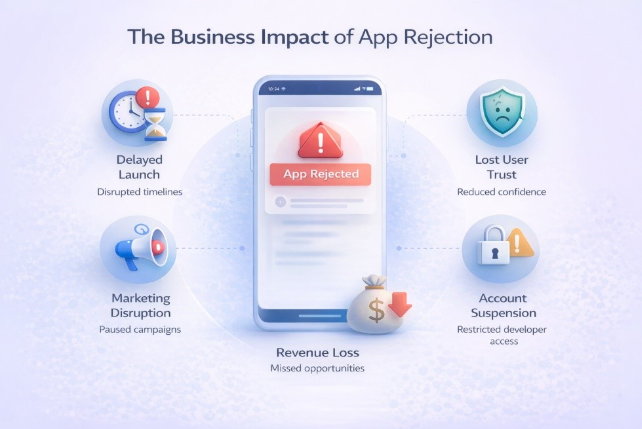
A rejected application may delay product launches, disrupt marketing campaigns, and impact business timelines. For startups and growing companies, these delays can affect customer acquisition, investor confidence, and revenue opportunities.
Repeated violations of Google Play developer policies may also result in developer account suspension. In extreme cases, developers may lose the ability to publish apps on the Play Store entirely.
Beyond technical concerns, rejection can also damage user trust. Customers expect apps available on the Play Store to be secure, reliable, and compliant with platform policies.
For this reason, organizations should treat security, privacy, and compliance as core elements of the development lifecycle, not as final checks before submission.
Best Practices to Avoid Play Store App Rejection:
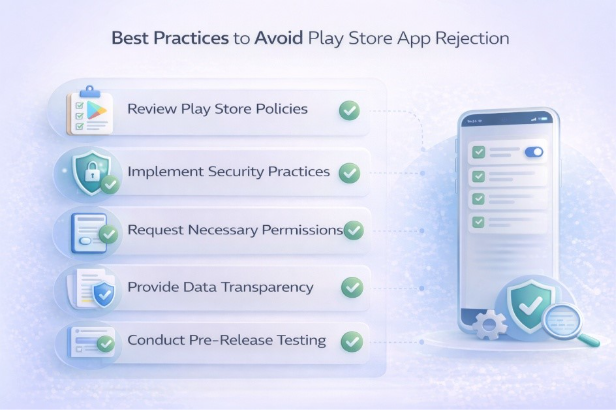
Organizations can significantly reduce the risk of Google Play Store app rejection by following these best practices.
Review Play Store Policies Early
Developers should review the latest Google Play developer guidelines before starting development to ensure the app aligns with platform requirements.
Implement Strong Security Practices
Secure coding practices, encryption methods, and vulnerability testing help ensure the application meets mobile security standards.
Request Only Necessary Permissions
Permissions should always match the app’s functionality. Avoid requesting access to device features that are not required.
Provide Transparent Data Policies
Apps that collect user data must clearly disclose how information is used and stored. A clear privacy policy builds trust and ensures compliance.
Conduct Pre-Release Testing
Security testing, code review, and compliance verification before submission can help identify issues that may lead to rejection.
By following these steps, organizations can improve their chances of Play Store approval and deliver safer mobile applications.
Final Thoughts:
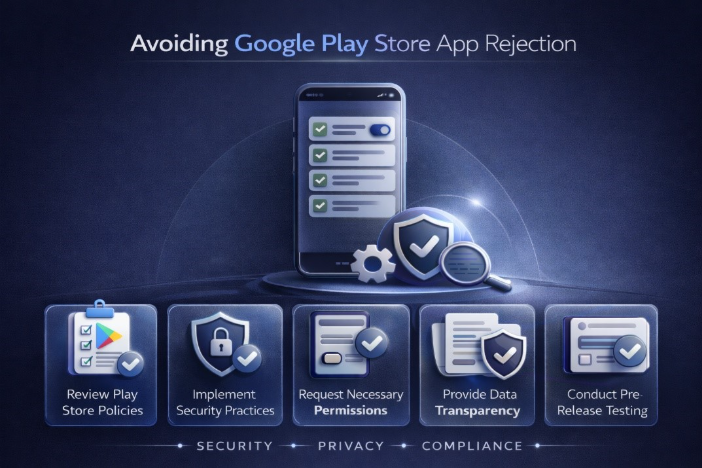
The Google Play Store maintains strict standards to ensure that applications available to users are secure, trustworthy, and compliant with privacy regulations.
Although app rejection can be frustrating, these policies play an important role in protecting users from malware, deceptive apps, and unsafe data practices.
By understanding why, the Play Store blocks apps, developers can avoid common mistakes, accelerate app approvals, and deliver secure mobile experiences to their users.
Frequently Asked Questions (FAQs)
Why does Google Play reject apps?
Google Play rejects apps that violate developer policies, misuse permissions, contain security vulnerabilities, or fail to comply with privacy requirements.
How long does the Play Store review process take?
Most apps are reviewed within a few hours to several days, depending on complexity and compliance checks.
Can a rejected app be resubmitted?
Yes. Developers can fix the issues identified during the review process and resubmit the app for approval.
What happens if a developer repeatedly violates Play Store policies?
Repeated violations may lead to developer account suspension or permanent removal from the Google Play Store.

%20(1).png)
.png)

.png)